Know who said
every word.
Identify and label up to 8 speakers simultaneously. No voice setup, no manual tagging — the AI does it automatically.
8
Simultaneous speakers
0s
Setup time
Auto
Name attribution
Speaker breakdown
Explore each speaker's contribution.
Click a speaker to see their lines from this meeting.
Arjun
Product Manager · 68% talk time
On the device
4 mics. 8 voices. Zero confusion.
The far-field array captures distinct voice angles. Even when two people speak at once, OneVerse's AI separates and attributes them correctly.
See the device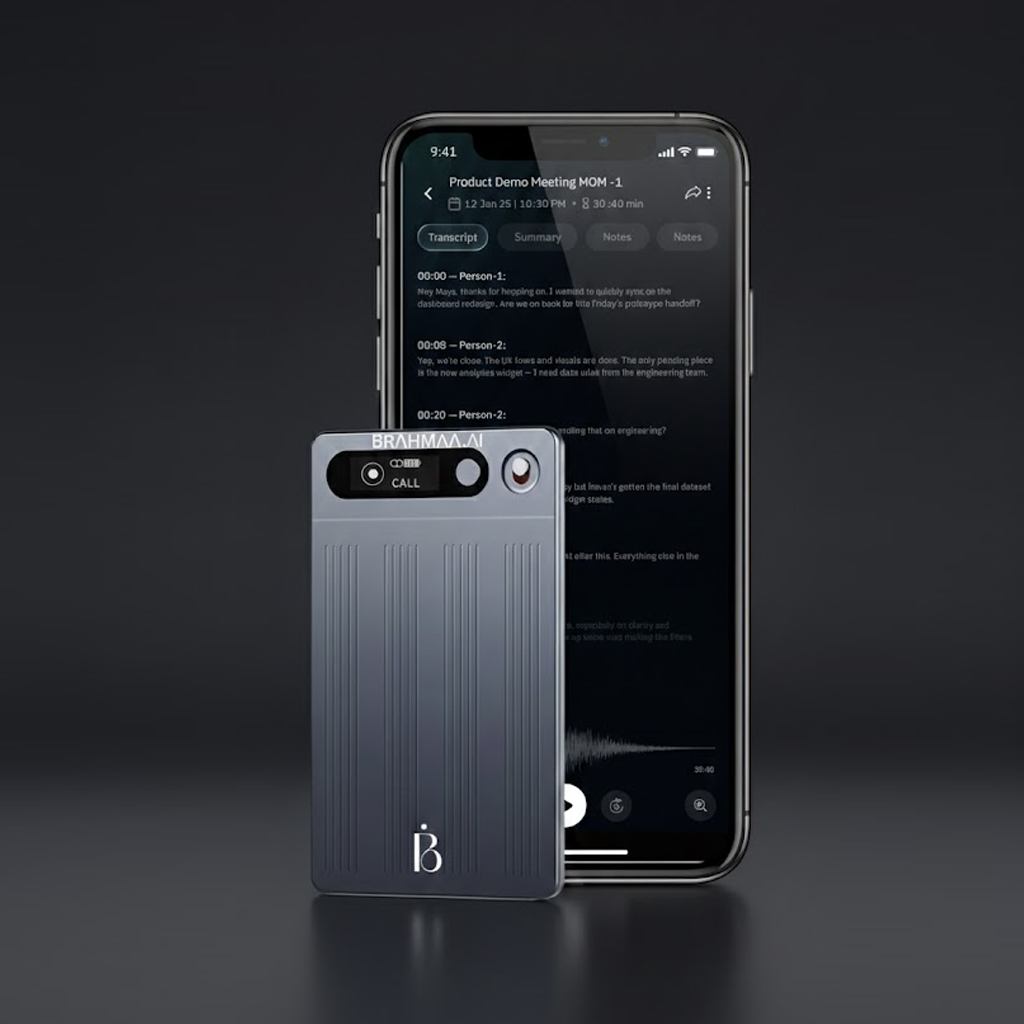
How diarisation works
Up to 8 speakers
Identifies and labels up to 8 simultaneous voices in a single recording — no setup or voice enrolment required.
No enrolment needed
Works instantly. The AI distinguishes voices by acoustic profile during the recording — not before it.
Auto-labels with names
Pair your device with the app's attendee list and speaker names populate automatically in the transcript.
Review and correct
Misidentified a speaker? Tap to correct once — OneVerse learns for future recordings with the same voices.